Scan a QR code online, no app needed
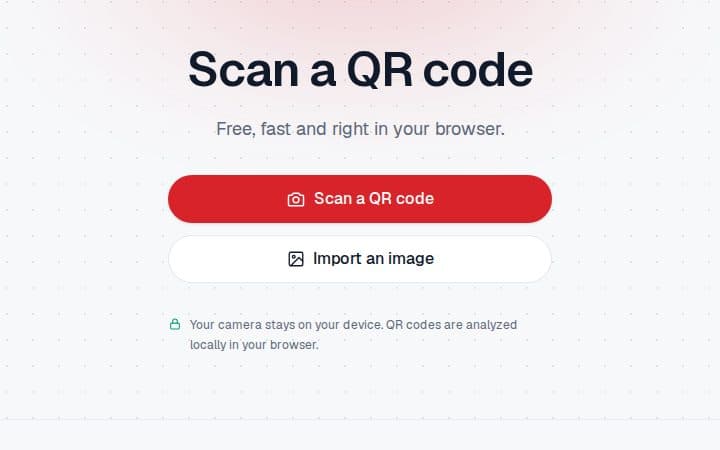
redswiss QR reads QR codes with your phone or computer camera, right in the browser. Free, no account, and nothing is sent to a server.
Why scan in the browser?
QR codes are everywhere: restaurant menus, posters, tickets, QR-bills. But not every camera can read them, and many free scanner apps are full of ads or ask for permissions they don't need.
A QR code can also lead to a fraudulent website. With most scanners, the link opens straight away, before you've had a chance to see where it goes.
What QR does
Nothing to install
Open the page and allow the camera. Works on iPhone, Android, Mac, Windows and Linux.
Read on your device
The camera image is never uploaded: the QR code is decoded in your browser, and no history is kept.
Domain first
Before opening a link, the tool shows its domain and warns you if the address is unencrypted or tries to hide the real site. Nothing opens on its own.
From an image too
Got a QR code as a screenshot? Upload the image instead of scanning it.
Copyable text
If the QR code holds text rather than a link, it's shown as is, with a button to copy it.
Who is it for?
- Anyone who wants to read a QR code without installing an app
- People who want to check a link before opening it
- Computers without a built-in scanner, on Windows or Linux
Frequently asked questions
Is it really free?
Yes. redswiss QR is free, unlimited, and needs no account.
Are my images sent anywhere?
No. Decoding happens in your browser. Neither the camera image nor the QR code's content leaves your device, and nothing is stored.
Do I need to install an app?
No. All you need is a recent browser (Safari, Chrome, Firefox or Edge) and a camera. Without a camera, you can upload an image.
How can I tell if a QR code is safe?
Check the domain shown before opening the link: if it doesn't match the site you expect, such as your bank's, don't open it. The tool also flags unencrypted connections and misleading addresses containing an "@".
Can I scan a QR-bill?
Yes, the tool recognises it as a Swiss QR-bill. To pay it, use your banking app. To create your own, there's redswiss Invoice.